Description
Price: [price_with_discount]
(as of [price_update_date] – Details)

[ad_1]
How to switch s mode to windows 10:
On your PC running Windows 10 in S mode, open Settings > Update & Security > Activation. In the Switch to Windows 10 Home or Switch to Windows 10 Pro section, select Go to the Store. (If you also see an “Upgrade your edition of Windows” section, be careful not to click the “Go to the Store” link that appears there.) On the Switch out of S mode (or similar) page that appears in the Microsoft Store, select the Get button. After you see a confirmation message on the page, you’ll be able to install apps from outside of the Microsoft Store. Tech Specs
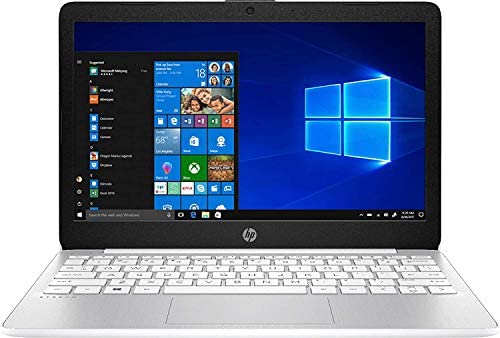
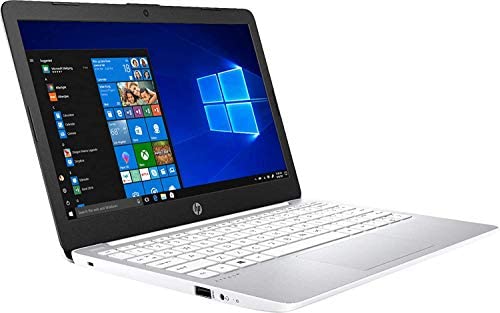
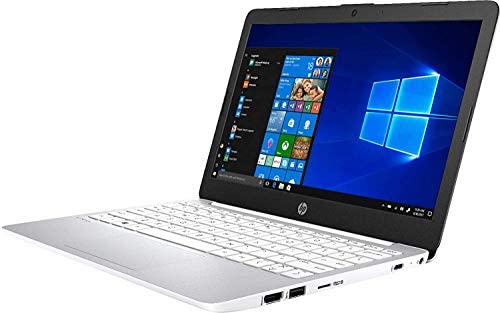
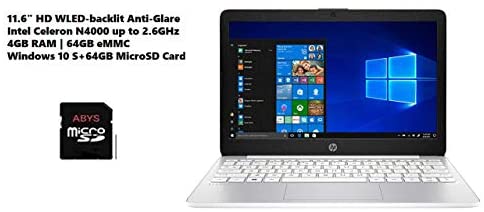
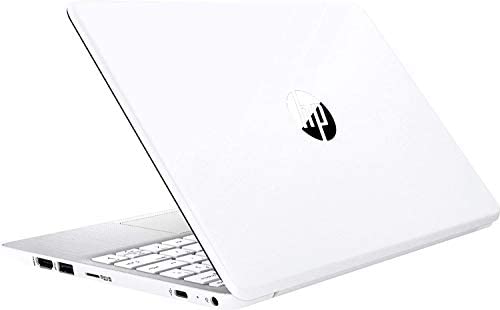
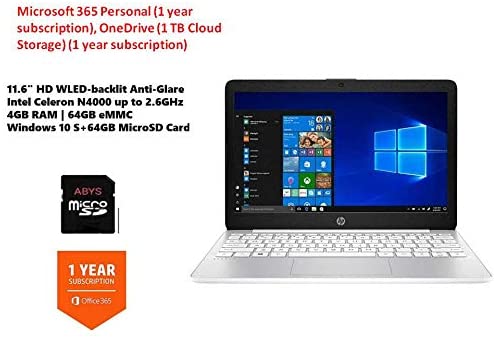
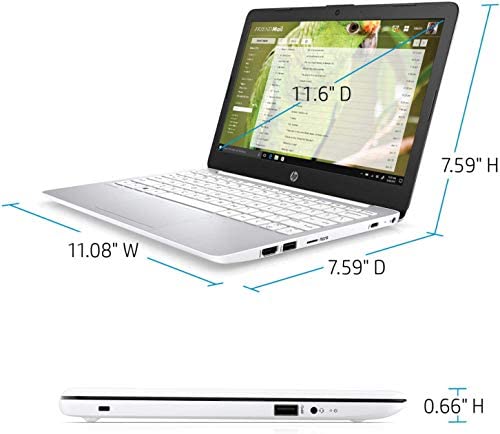
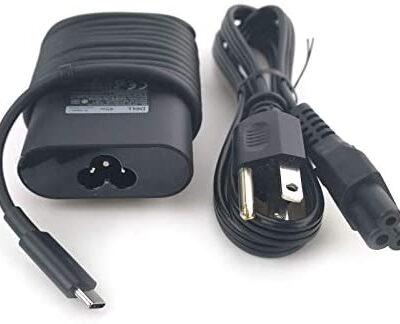
Screen: 11.6″ diagonal HD SVA anti-glare WLED-backlit (1366 x 768) Processor: Intel Celeron N4000 (1.1 GHz base frequency, up to 2.6 GHz burst frequency, 4 MB L2 cache, 2 cores) Memory: 4GB DDR4-2400 SDRAM Hard Drive Size: 64GB eMMC Operating System: Windows 10 Home in S mode Optical Drive: None Media Drive: 1 microSD media card reader Audio Features: Dual speakers Video: Integrated Intel UHD Graphics 600 Ports: 1 USB 3.1 Gen 1 Type-C (Data transfer only, data 5 Gb/s signaling rate); 2 USB 3.1 Gen 1 (Data transfer only); 1 HDMI; 1 headphone/microphone combo Camera: HP Webcam with integrated digital microphone Wireless: Realtek 802.11b/g/n/a/ac (2×2) and Bluetooth 4.2 combo Power Supply Type: 45 W Smart AC power adapter Battery Type: 2-cell, 37.69 Wh Li-ion Dimensions: 11.3 x 7.2 x 0.7 in Weight: 3.4 lbs Color: White Bundle with 64GB ABYS Micro SD Card with Adapter Included Software: Windows 10 Home in S mode, 1 year trial of Microsoft Microsoft 365 Personal, OneDrive (1 TB Cloud Storage) (1 year subscription)11.6″ diagonal HD SVA anti-glare WLED-backlit (1366 x 768). HP Webcam with integrated digital microphone.
Equipped With The Powerful and Latest Intel Celeron Processor N Series, Intel Dual-Core N4000, (1.1 GHz base frequency, up to 2.6 GHz with Intel Turbo Boost Technology, 4 MB Intel Smart Cache.
RAM is upgraded to 4GB memory for multitasking Adequate high-bandwidth RAM to smoothly run multiple applications and browser tabs all at once.
64GB eMMC flash memory. This ultracompact memory system is ideal for mobile devices and applications, providing enhanced storage capabilities, streamlined data management, quick boot-up times and support for high-definition video playback.
Windows 10 Home in S mode.You may switch to regular windows 10: Press “Start button” bottom left of the screen; Select “Settings” icon above “power” icon; Select Update & Security and Activation, then Go to Store; Select “Get” option under “Switch out of S mode”; Hit Install. (If you also see an “Upgrade your edition of Windows” section, be careful not to click the “Go to the Store” link that appears there.) Include 64GB Micro SD Memory Card with Adapter.
[ad_2]



Reviews
There are no reviews yet.